How to Reduce Eye Strain on Mac: The Complete 2026 Guide
Spending 8+ hours staring at your Mac? Here are proven strategies to reduce digital eye strain — from display settings and 20-20-20 rule to intelligent screen dimming software that adapts to your workflow.
Read Article
f.lux Alternatives for Mac: Why SuperDimmer Goes Beyond Blue Light Filtering
f.lux changed how we think about screen comfort at night. But modern workflows demand more than just a color temperature shift. Here's how the next generation of eye comfort software works.
Read Article
Dark Mode Isn't Enough: Why You Need Intelligent Screen Dimming
You switched to dark mode and it helped — for a while. But bright emails, white web pages, and light-themed apps still assault your eyes. Here's why you need a smarter approach.
Read Article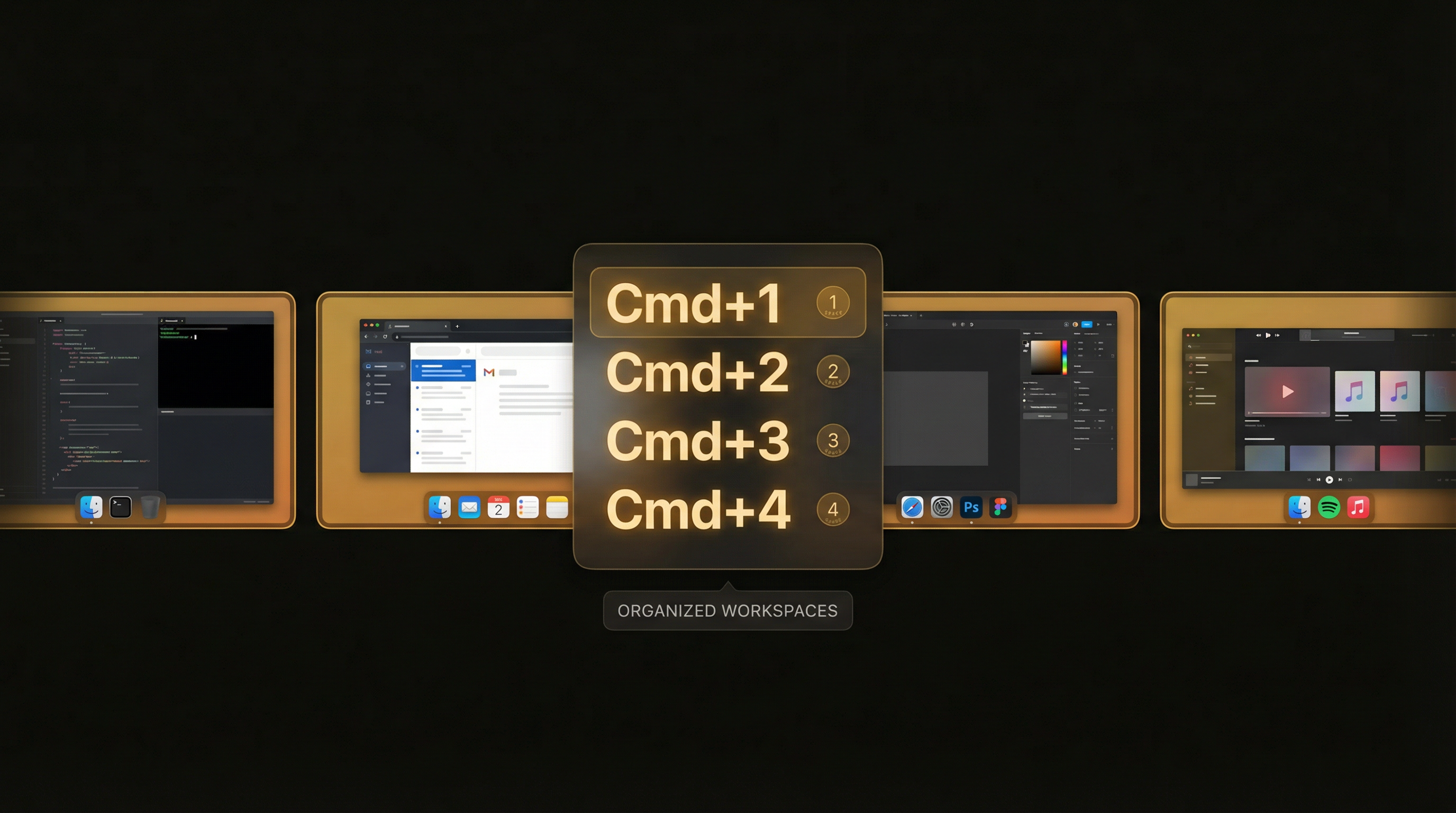
How to Manage macOS Spaces Like a Pro with Keyboard Shortcuts
macOS Spaces are powerful but underused. Learn how to set up keyboard shortcuts, organize your desktops, and navigate between Spaces instantly with the right tools.
Read Article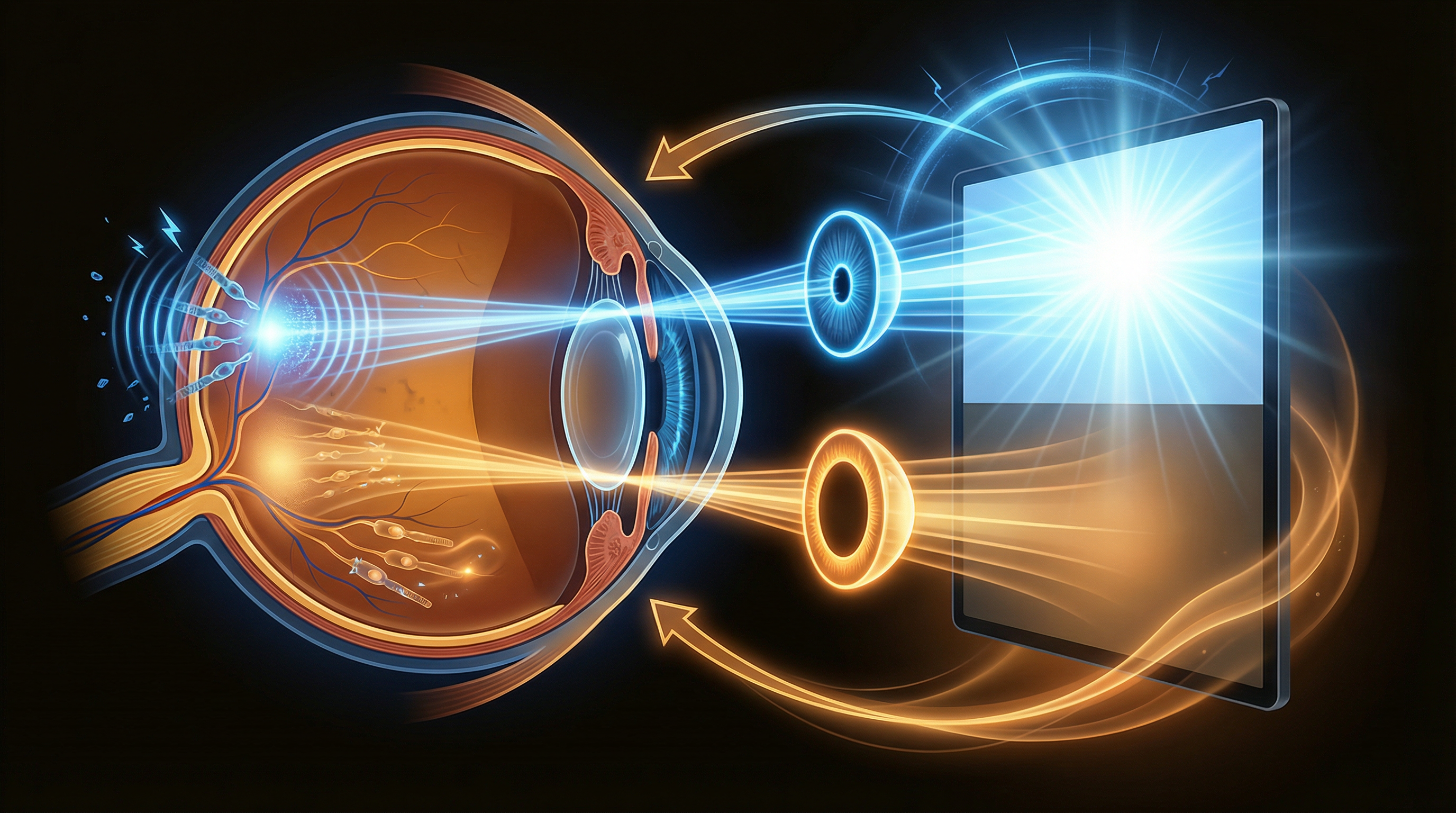
The Science Behind Screen Brightness and Digital Eye Fatigue
Why do bright screens cause eye strain? What does the research actually say? We dig into the science of luminance, blue light wavelengths, and what your eyes really need for comfort.
Read Article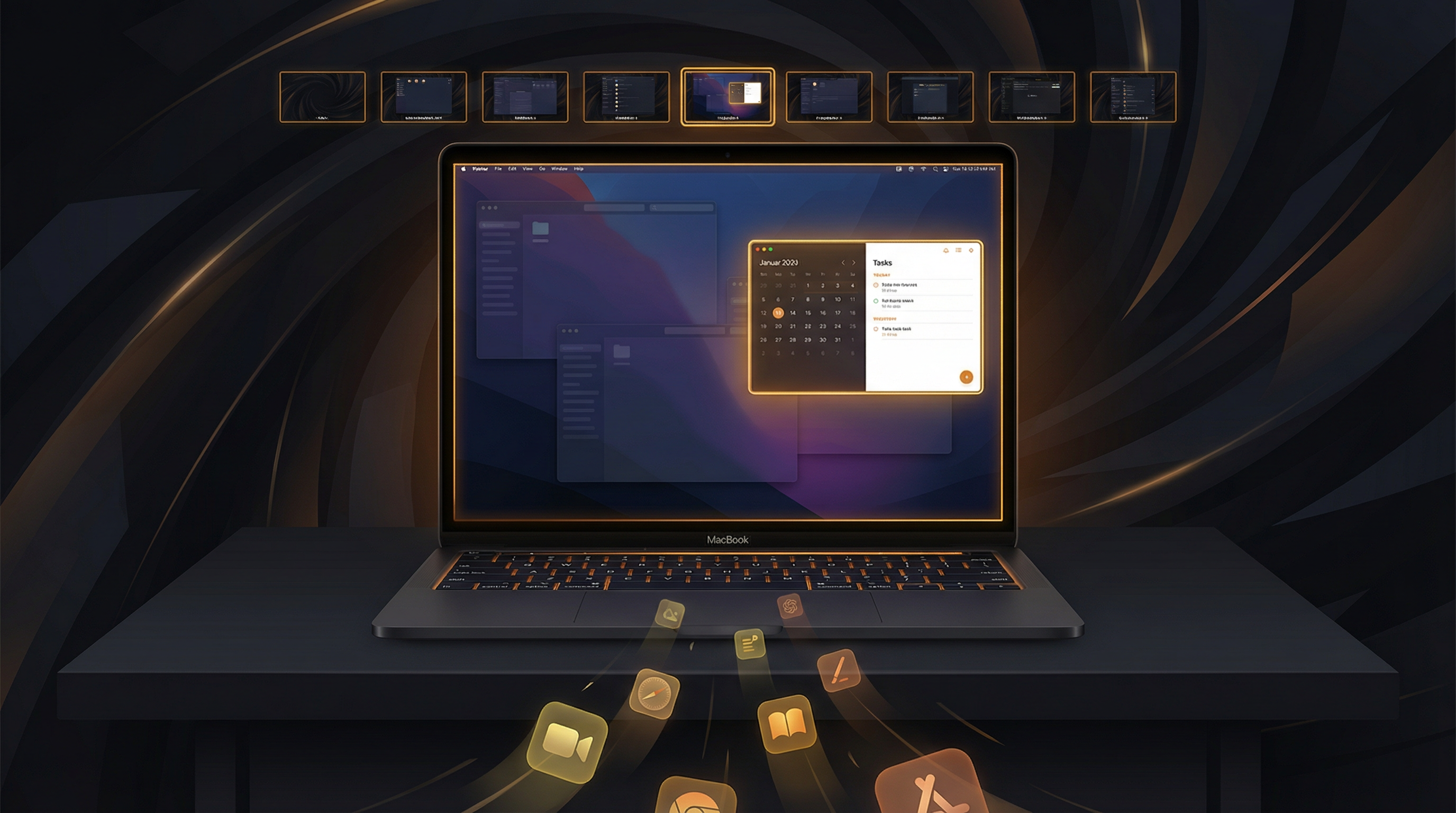
5 Productivity Hacks for Mac: Auto-Hide, Progressive Dimming & More
Cluttered desktops kill focus. Discover how auto-hiding inactive apps, progressive window dimming, and smart workspace management can transform your daily Mac workflow.
Read Article
Best Mac Apps for Eye Comfort in 2026: A Curated Guide
From screen dimmers and blue light filters to break reminders and display managers — the best tools for protecting your eyes during long Mac sessions.
Read Article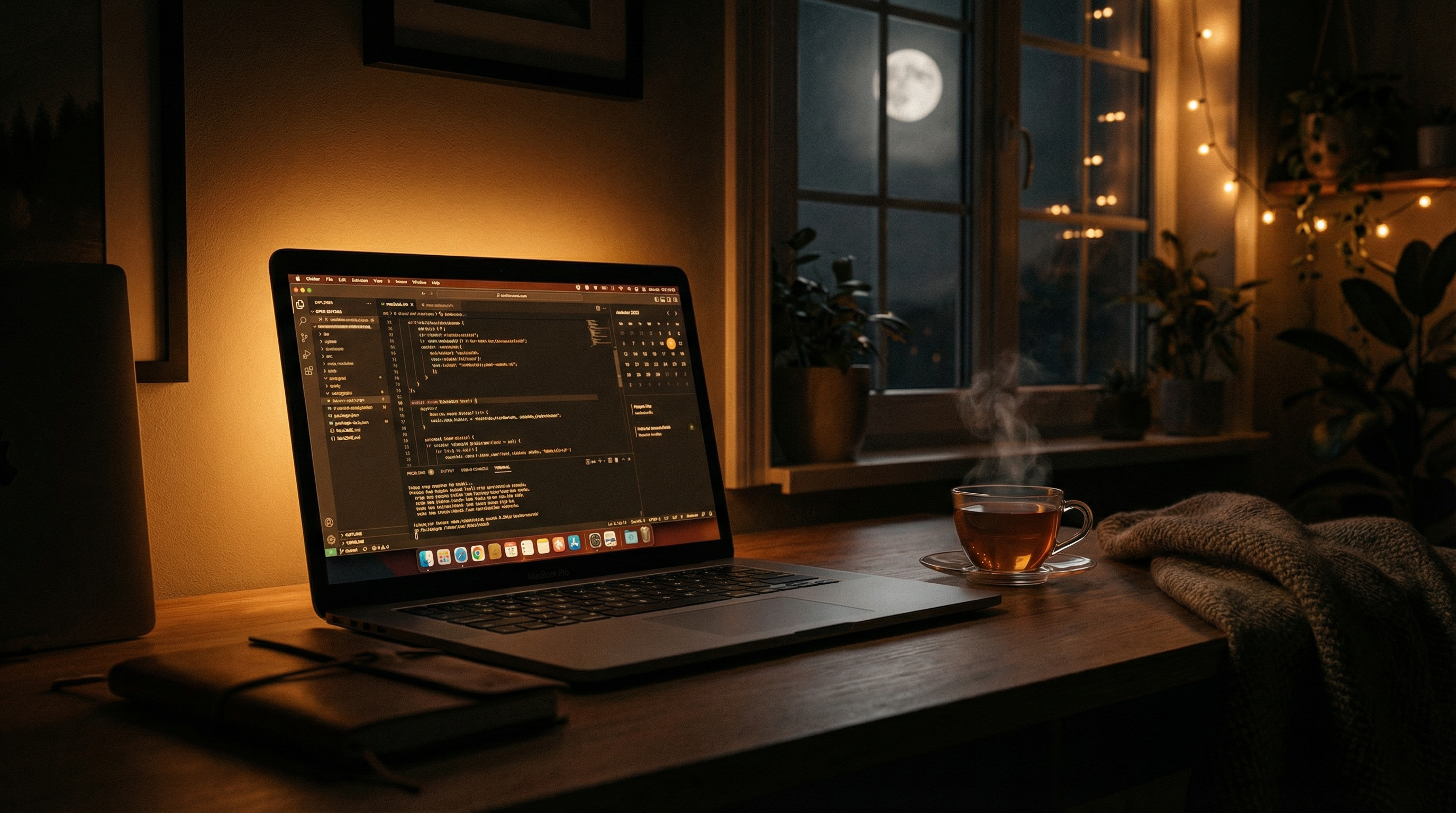
How to Set Up the Perfect Night-Time Mac Workflow
A practical guide to configuring your Mac for comfortable evening use — from color temperature scheduling and bias lighting to intelligent dimming and break reminders.
Read Article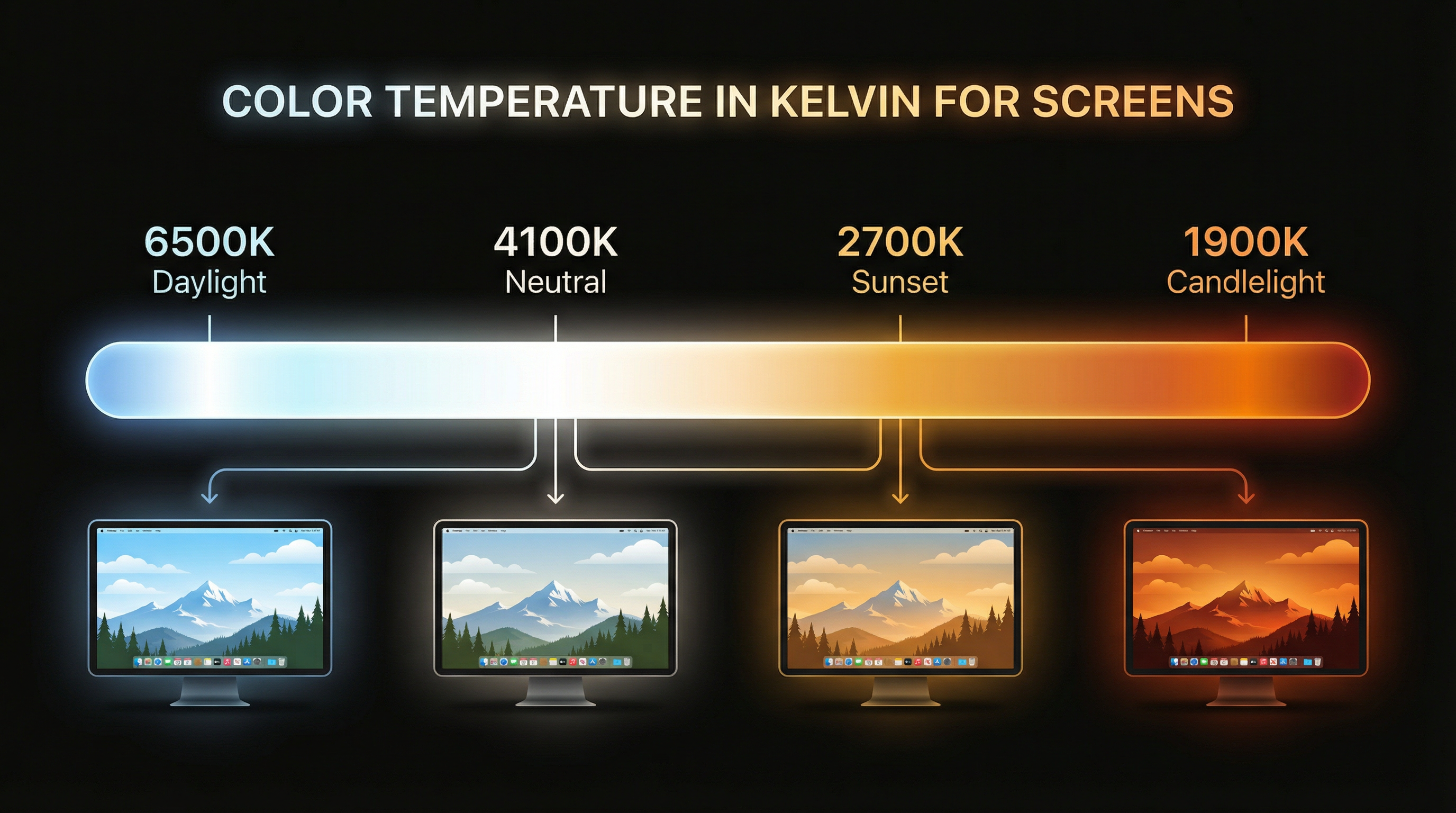
Color Temperature Explained: What Kelvin Means for Your Eyes
What do those Kelvin numbers actually mean? From 6500K daylight to 1900K candlelight, here's everything you need to know about screen color temperature and eye comfort.
Read Article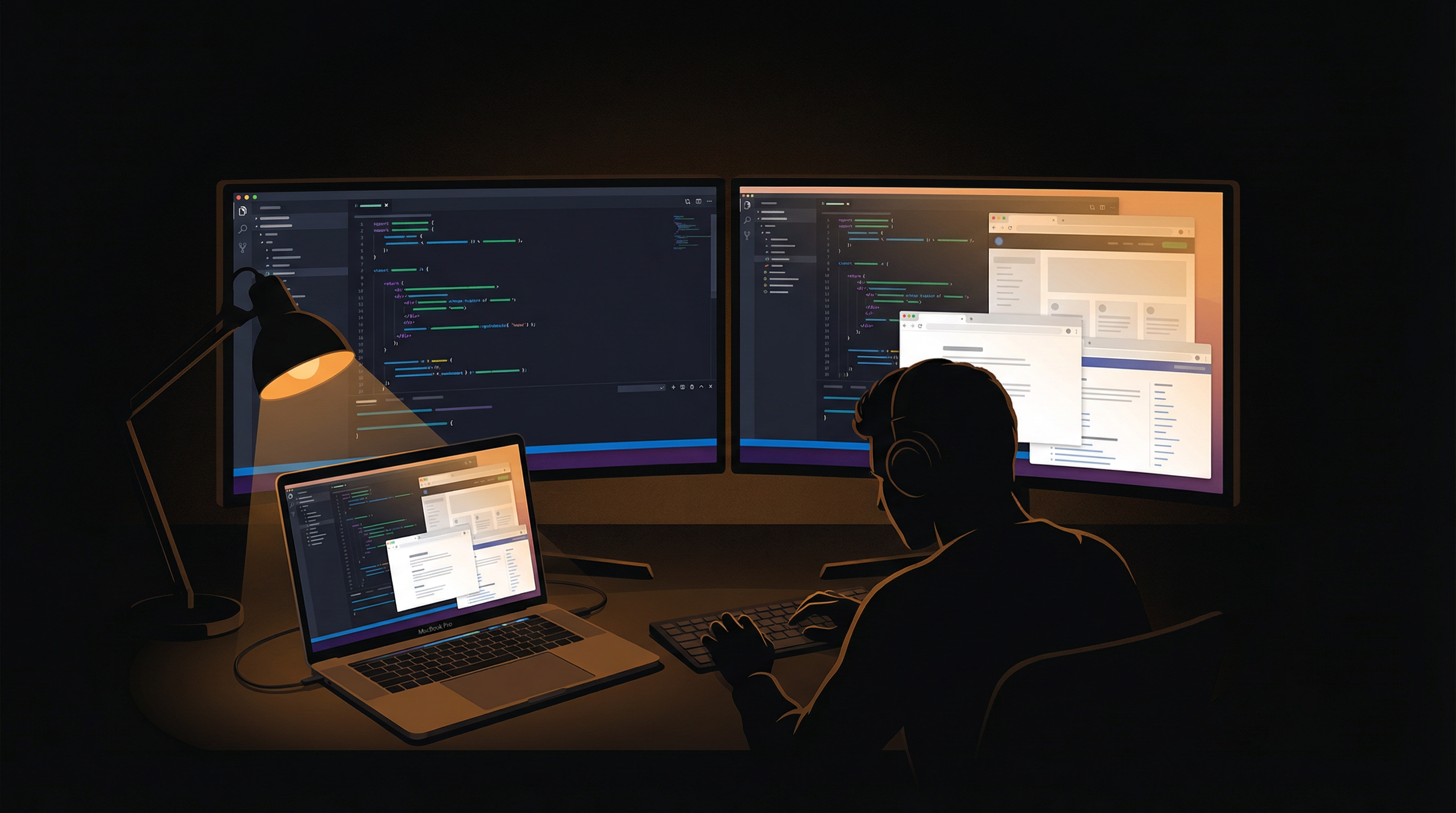
Why Programmers Need Screen Dimming Software
Dark IDE theme but bright docs, Stack Overflow, and Jira? The programmer's brightness paradox is real — and per-region dimming is the solution your multi-monitor setup needs.
Read Article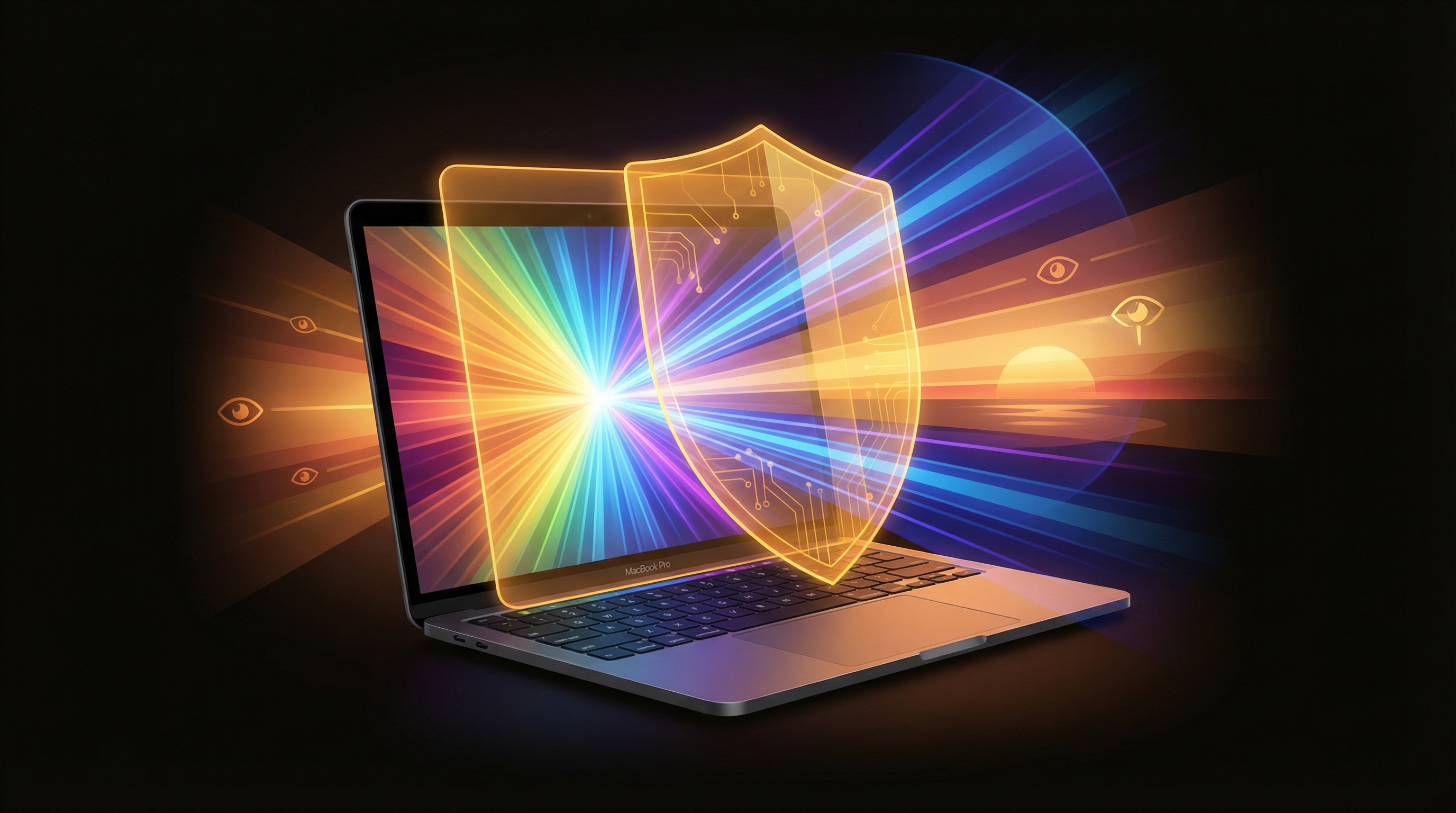
The Complete Guide to Blue Light Filtering on Mac
Night Shift, f.lux, glasses, browser extensions — every option for reducing blue light on your Mac compared. Plus why brightness matters more than you think.
Read Article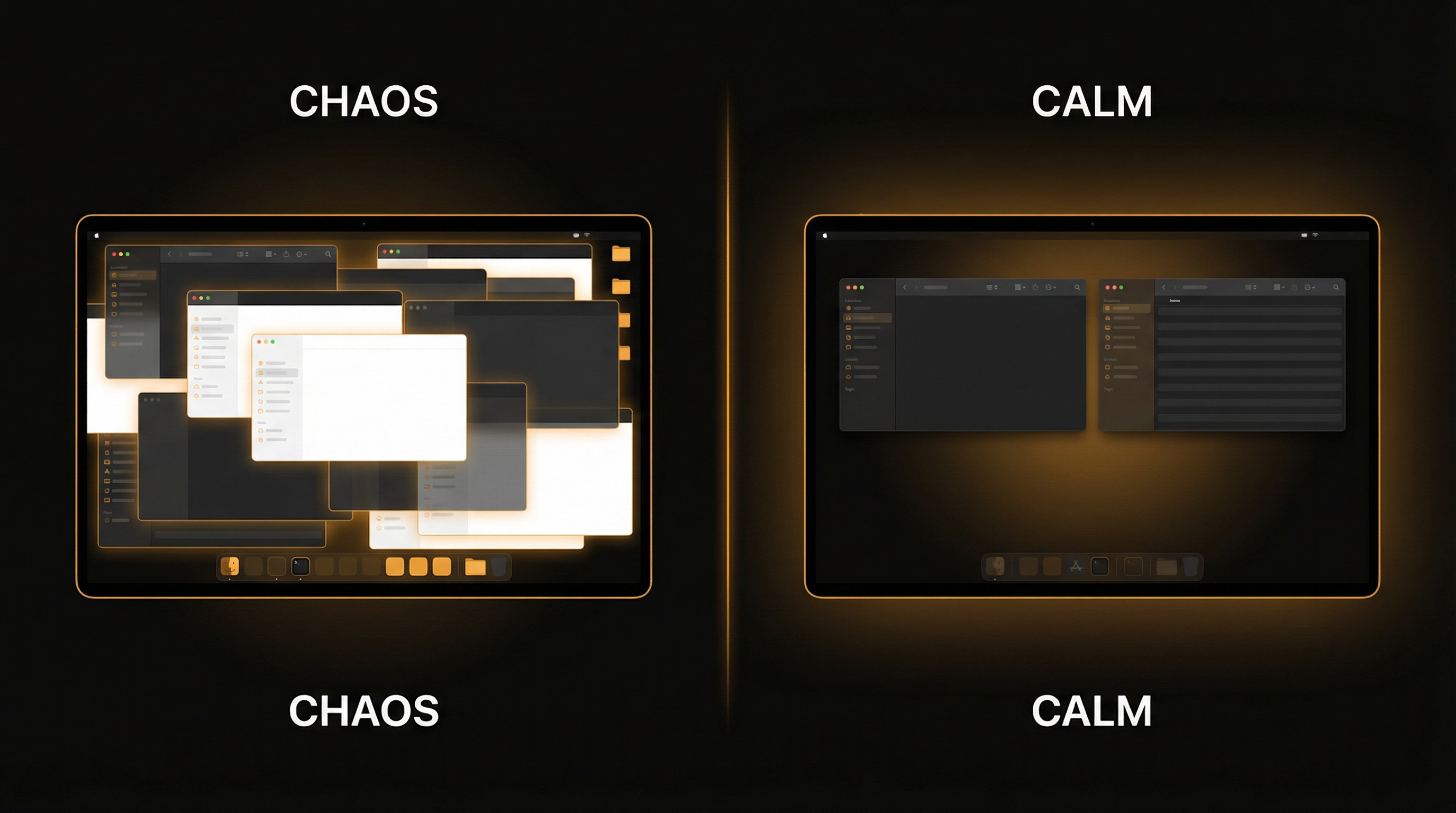
Window Management on Mac: Stop Drowning in Open Windows
The average Mac user has 10-15 windows open. Here's how to tame the chaos with Stage Manager, Spaces, auto-hide, progressive dimming, and smart workspace organization.
Read Article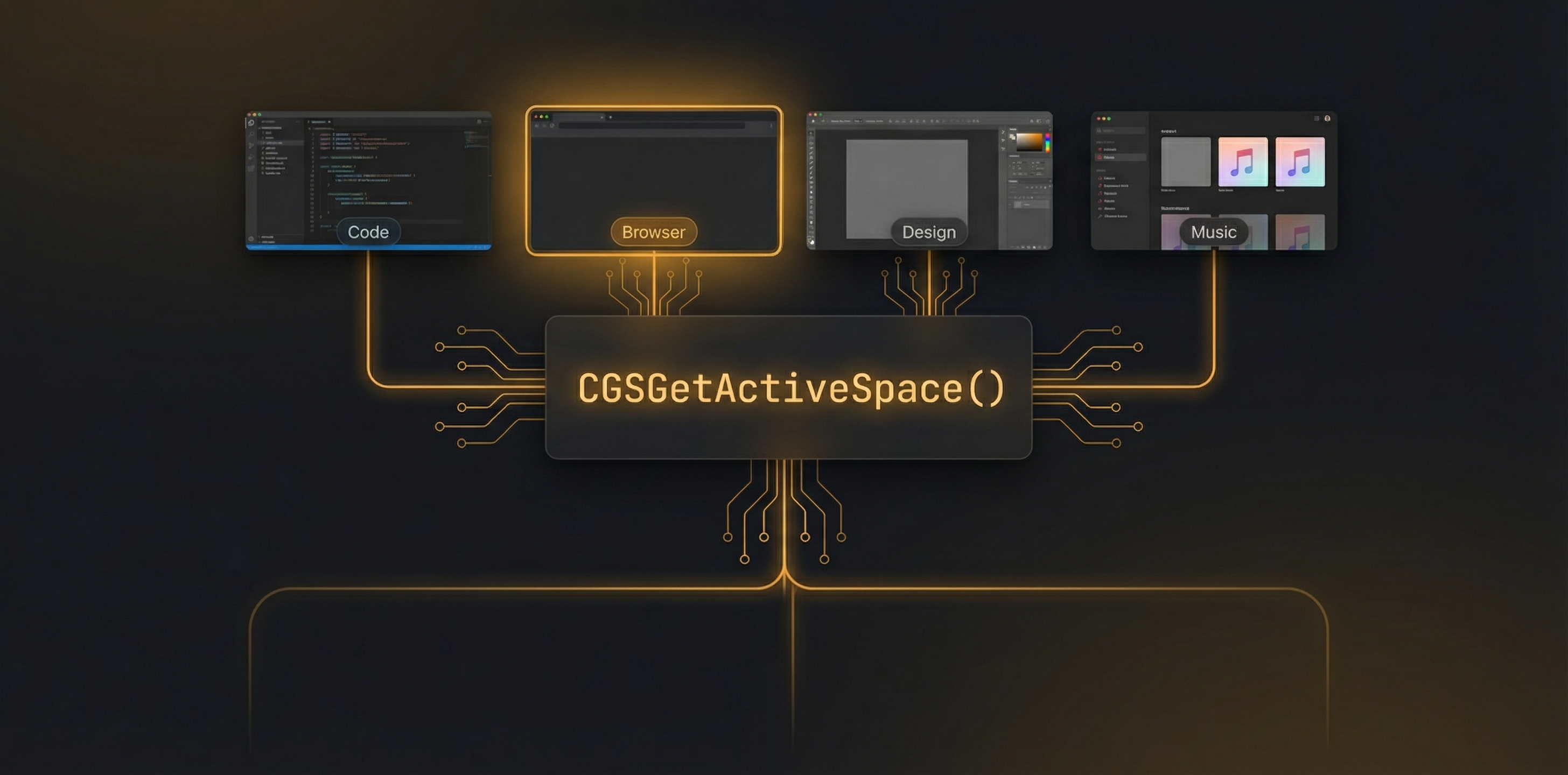
How We Built Real-Time macOS Space Tracking with Private CGS APIs
Apple provides no public API for identifying the active macOS Space. Here's how we combined CGS private APIs with the Spaces plist to build a sub-5ms hybrid detection system.
Read Article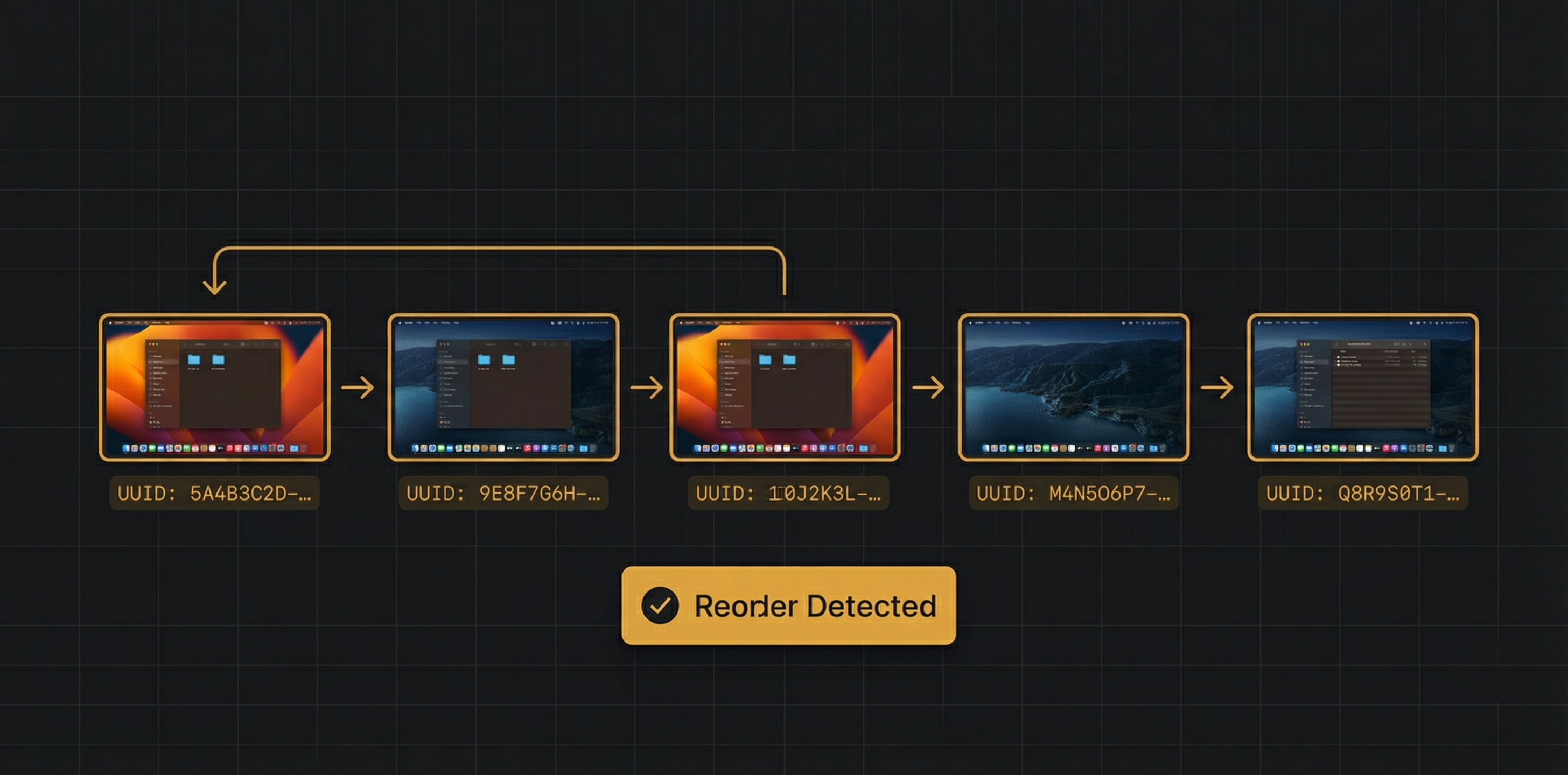
Solving macOS Space Reorder Detection with UUID-Based Tracking
When users drag Spaces around in Mission Control, there's no notification. Here's how we detect reordering and preserve app state using UUID-based tracking that survives any rearrangement.
Read Article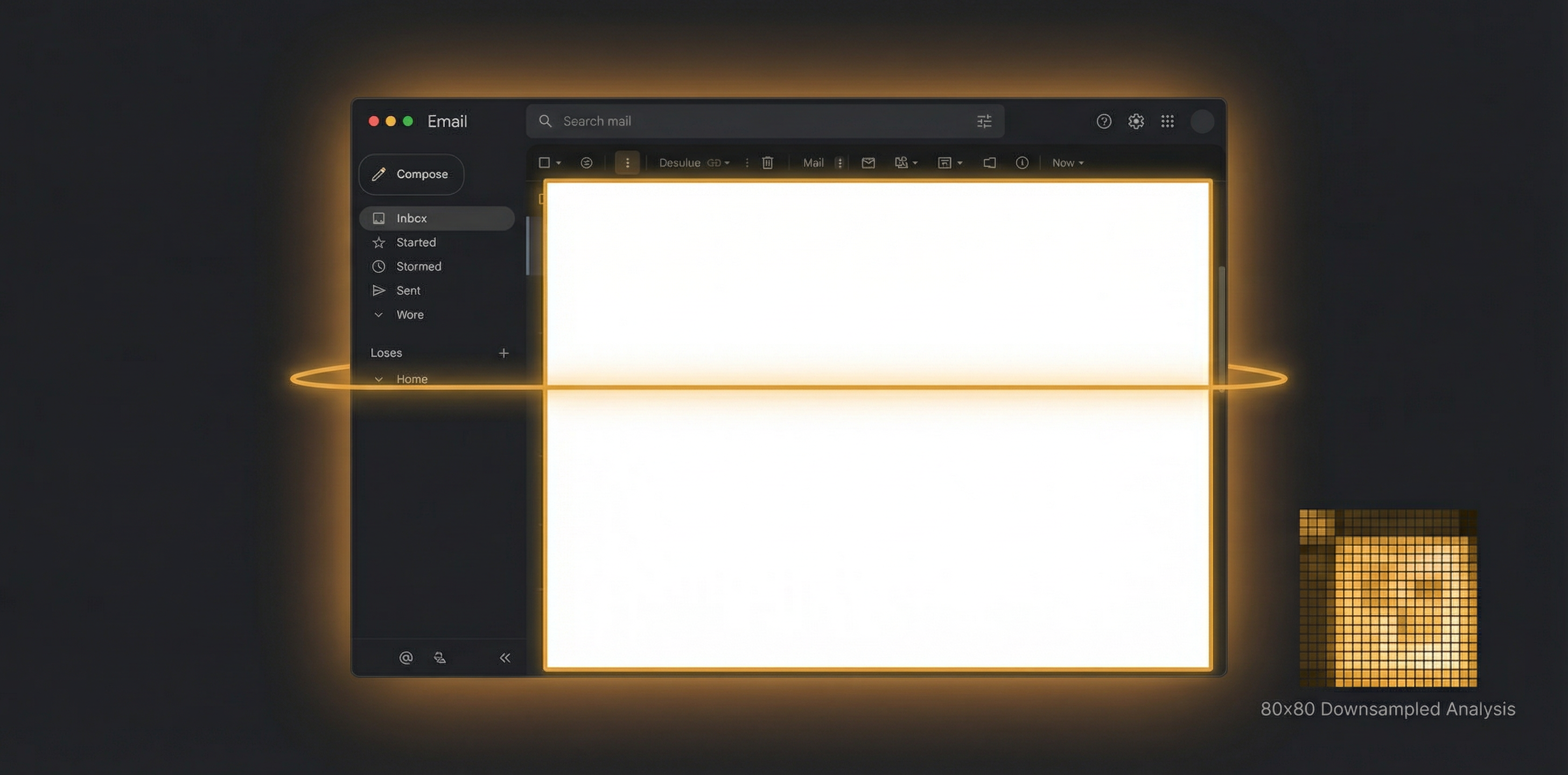
Per-Region Zone Dimming: Pixel-Level Brightness Analysis on macOS
Most dimmers work at the window level. We analyze brightness at the pixel level using connected component analysis to dim only the bright regions within windows. Here's the technical pipeline.
Read Article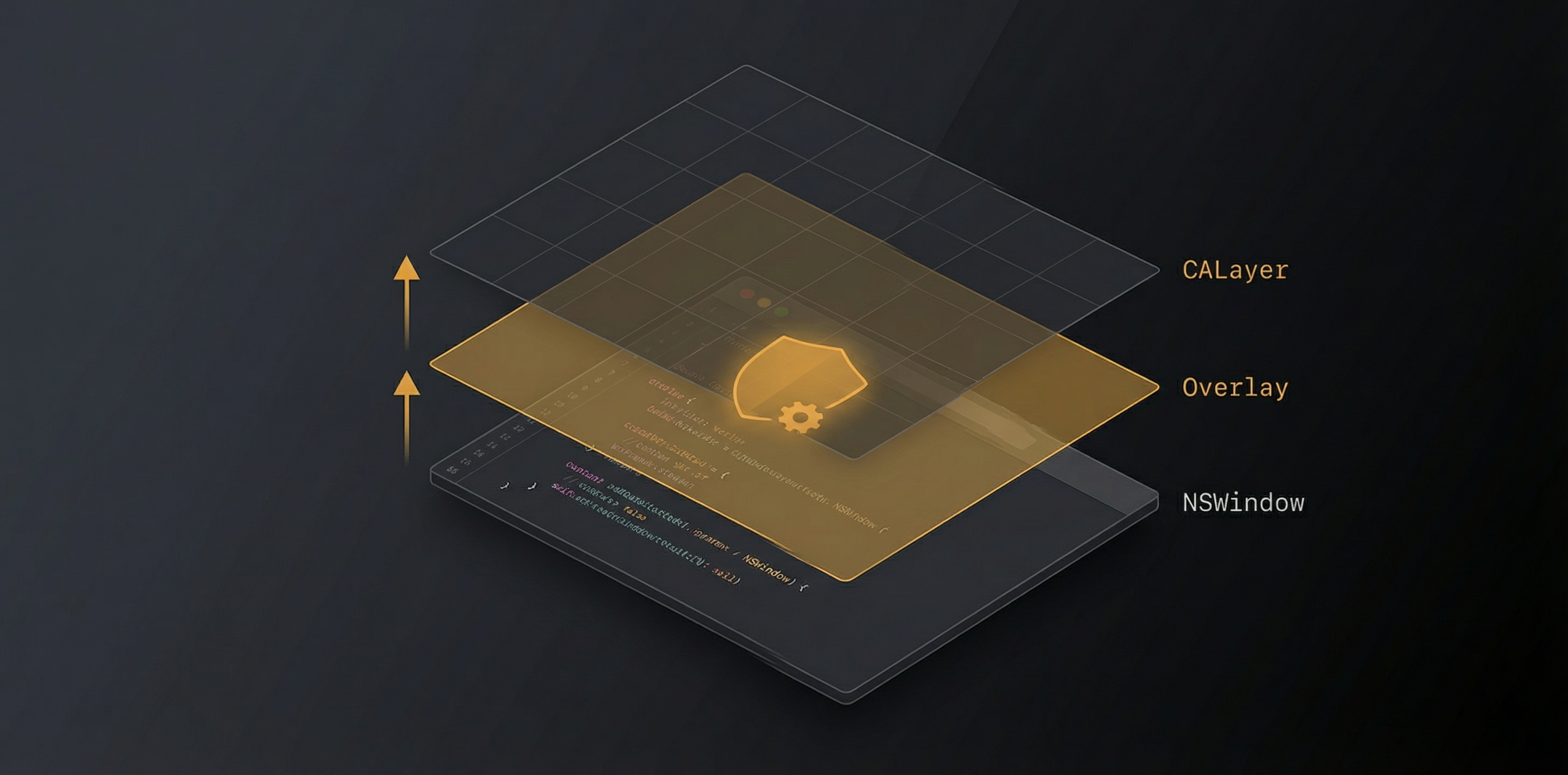
Building Crash-Proof Overlay Windows for macOS Screen Dimming
Transparent overlay windows that don't intercept clicks, handle Space transitions, and survive Core Animation deallocation crashes. The engineering behind SuperDimmer's dimming layer.
Read Article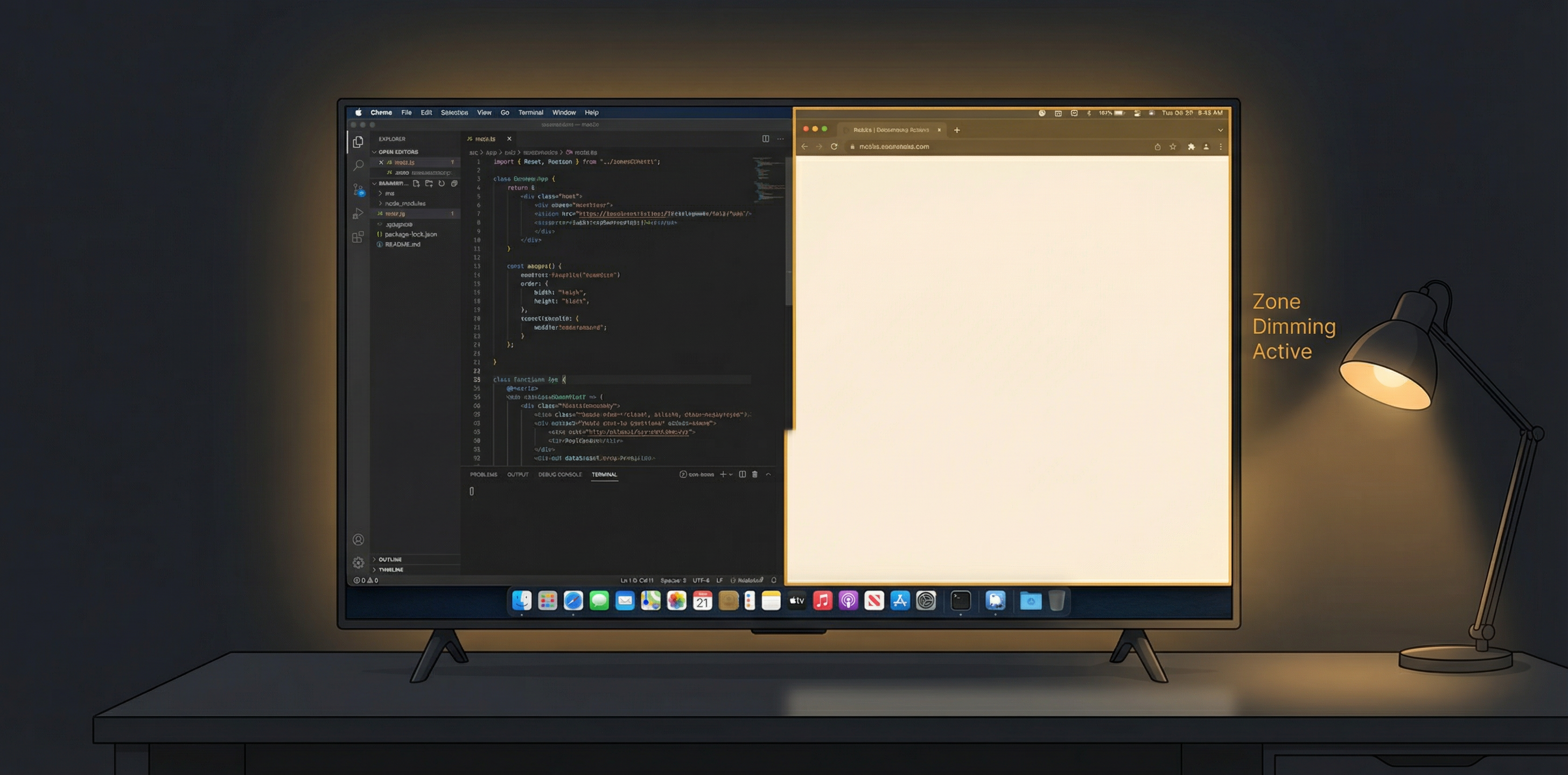
Using a TV as a Monitor: How Zone Dimming Solves the Brightness Problem
TVs output 1,000-3,000+ nits — painfully bright at desk distance. Learn how software-based zone dimming selectively tames brightness without sacrificing HDR or picture quality.
Read Article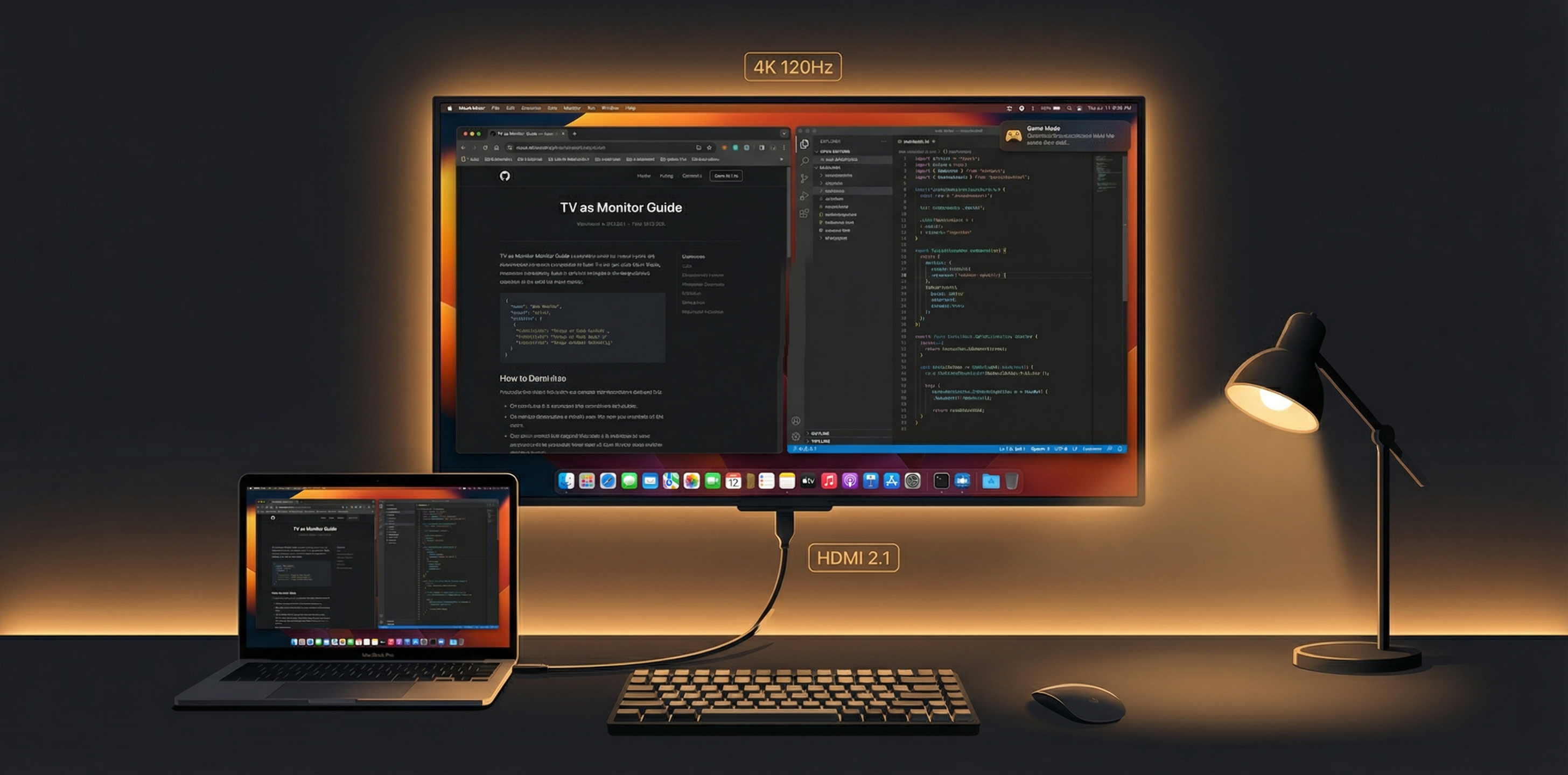
The Complete Guide to Using a TV as a Computer Monitor in 2026
Superior display technology, dramatically lower cost per pixel, and massive workspace. Everything you need to know about the TV-as-monitor setup — advantages, setup tips, and recommended models.
Read Article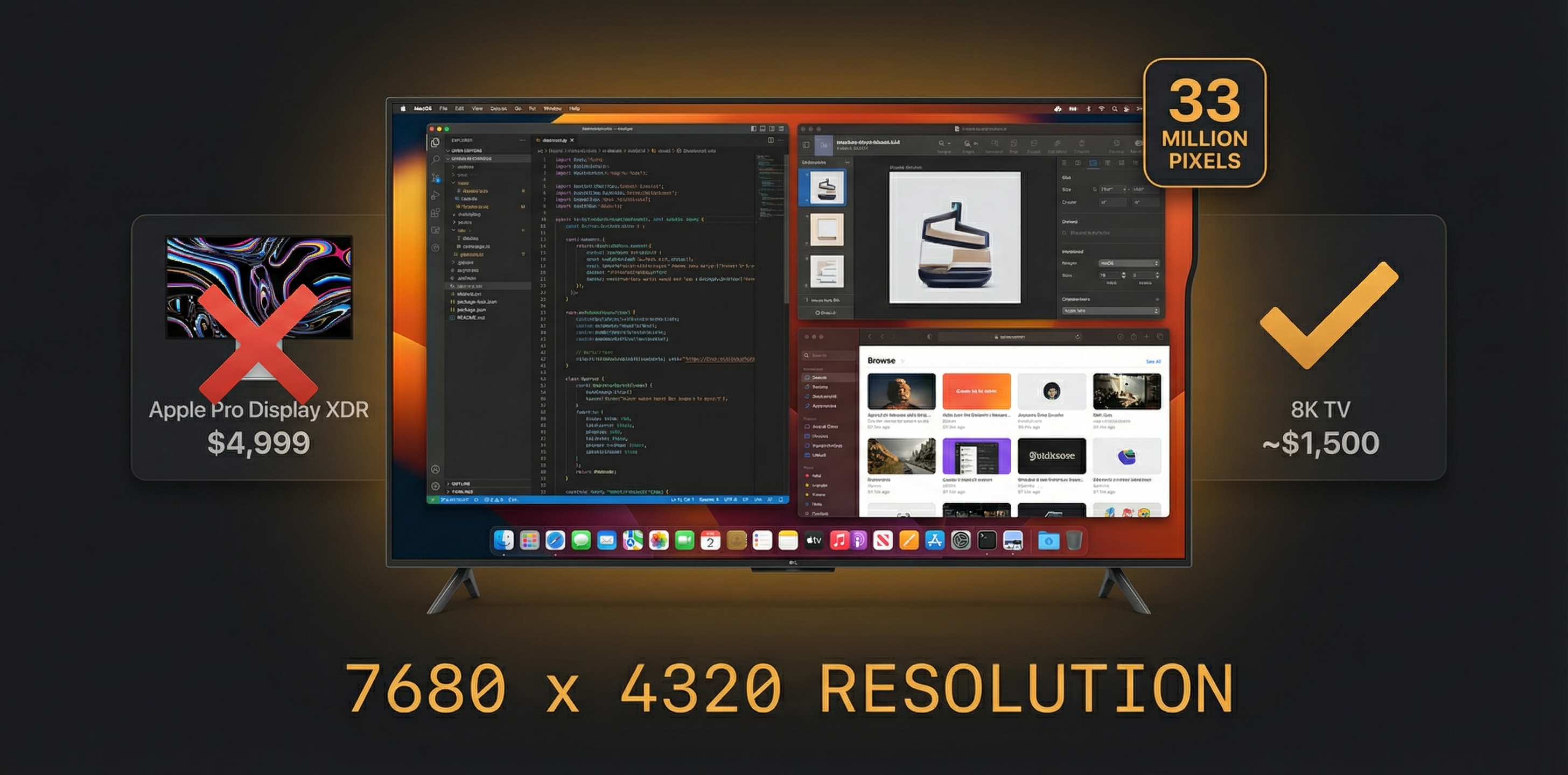
Why 8K TVs Are the Best Computer Monitors You Can Buy in 2026
33 million pixels for ~$1,500 on sale — a fraction of the $5,000 Apple Pro Display XDR. 4K is no longer enough. Here's the cost-per-pixel math that changes everything about monitor buying.
Read Article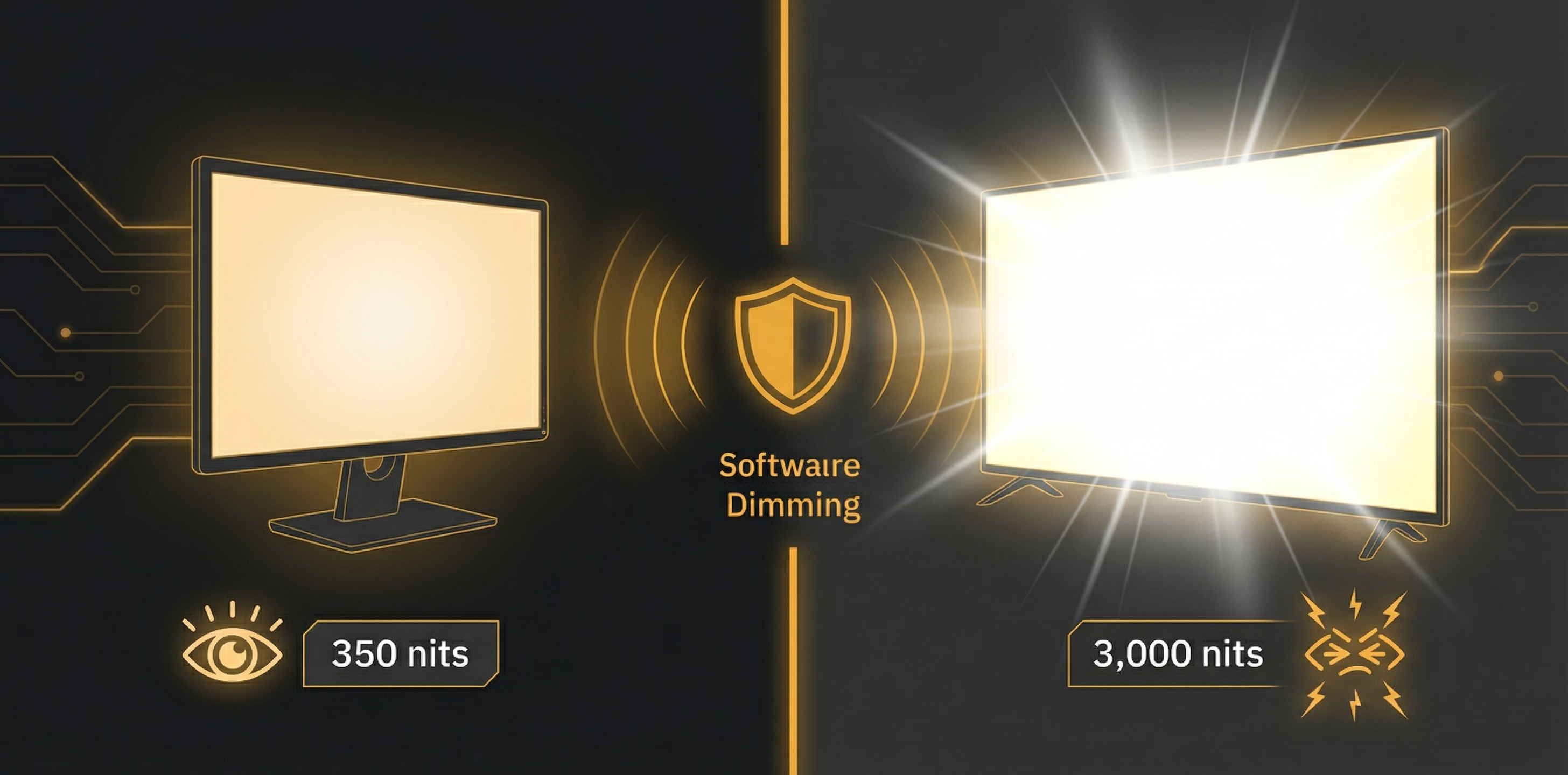
HDR Brightness on TVs vs Monitors: Why You Need Software Dimming
HDR TVs can output 3,000+ nits — 10x brighter than a typical office monitor. Learn how HDR, local dimming zones, and peak brightness interact, and why software dimming is the only solution.
Read Article