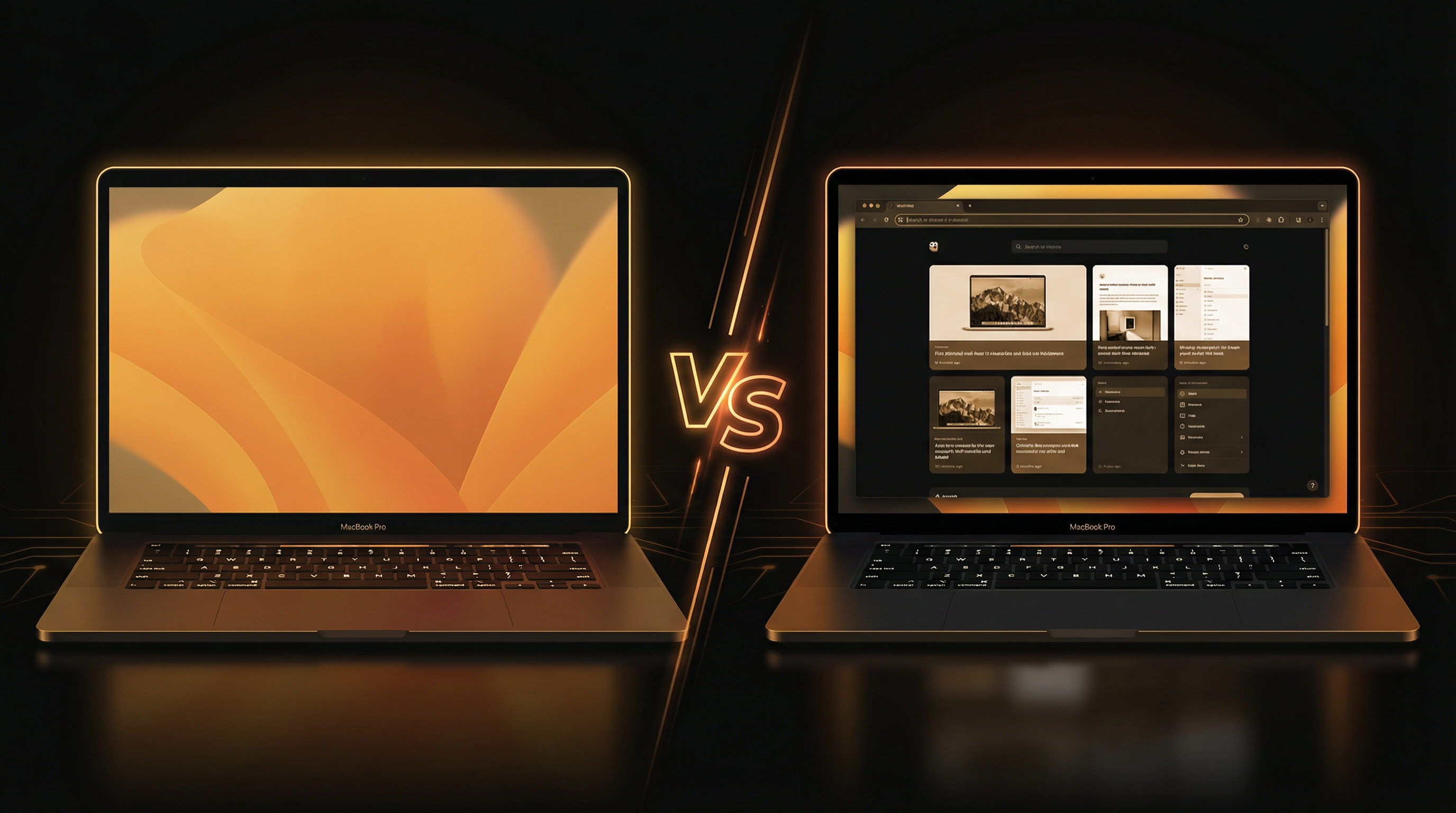
f.lux was a pioneer. Released back in 2009, it introduced millions of people to the idea that screen color temperature matters for eye comfort and sleep quality. It fundamentally changed how we think about screens at night.
But it's now 2026. Our workflows have changed dramatically. We're running multiple displays, juggling dozens of apps, and spending more hours on screens than ever. The question isn't whether you should filter blue light — it's whether blue light filtering alone is enough.
Spoiler: it's not. Here's why, and what the next generation of eye comfort software looks like.
What f.lux Does Well
Credit where it's due. f.lux pioneered several important concepts:
- Automatic color temperature scheduling based on time of day
- Location-based sunrise/sunset transitions
- Gradual transitions so you don't notice the shift
- Multiple preset profiles for different scenarios
These are genuinely important features, and they're still valuable today. If all you need is a blue light filter that works reliably, f.lux remains a solid choice.
Where Blue Light Filtering Falls Short
The fundamental limitation of f.lux — and macOS Night Shift, which copies the same approach — is that they only change color. They don't address brightness.
Think about it: a white web page at 2700K (warm) is still pumping out high luminance. It's warm-colored light, but it's still bright. Your pupils are still constricting. The ciliary muscle is still working. The contrast between that bright page and your dark room is still extreme.
This is like wearing amber-tinted glasses while staring at a spotlight. The color is warmer, sure — but the intensity is the same.
The Brightness Problem
Modern Mac workflows involve constant exposure to high-brightness content:
- Email bodies — even in dark-mode Mail, email content is white
- Web browsing — most websites use white backgrounds
- Documents — Google Docs, Word, PDFs are all white
- Web apps — many SaaS tools don't support dark mode
- Image editing — photos and designs on white canvas
f.lux can't help with any of these. It warms the color, but the brightness assault continues.
SuperDimmer: Blue Light Filtering + Intelligent Dimming
SuperDimmer includes f.lux-style color temperature control (6500K to 1900K with scheduling), but it adds an entirely new layer: per-region brightness detection and dimming.
How It Works
SuperDimmer continuously scans your screen using a configurable grid. Each cell is analyzed for brightness. Bright regions get a transparent dimming overlay. Dark regions are left alone. The result is selective dimming — only the parts of your screen that are too bright get toned down.
This means your dark-themed code editor stays crisp and readable while that bright email or web page gets automatically dimmed to a comfortable level.
Feature Comparison: f.lux vs. SuperDimmer
| Feature | f.lux | Night Shift | SuperDimmer |
|---|---|---|---|
| Color temperature control | Yes | Yes | Yes |
| Sunrise/sunset scheduling | Yes | Yes | Yes |
| Per-region brightness detection | No | No | Yes |
| Per-window dimming (active/inactive) | No | No | Yes |
| Zone-level dimming | No | No | Yes |
| Auto-hide inactive apps | No | No | Yes |
| Progressive window dimming | No | No | Yes |
| Workspace management (Spaces HUD) | No | No | Yes |
| Idle-aware timer pause | No | No | Yes |
| App exclusion lists | Limited | No | Per-feature |
| Multi-display support | Yes | Yes | Independent per display |
| Price | Free | Built-in | Free (early access) |
Other f.lux Alternatives Worth Knowing
Beyond SuperDimmer, here are other tools in the Mac display comfort space:
- MonitorControl: Controls external display brightness via DDC/CI. Great for hardware brightness, but no software dimming or detection.
- Umbra: Focuses on light/dark wallpaper switching. Doesn't do screen dimming.
- BetterDisplay: Advanced display management with resolution scaling and HDR features. Different category — display control, not eye comfort.
- macOS Night Shift: Built-in but limited to color temperature only, no scheduling granularity.
None of these combine all the features SuperDimmer offers: intelligent brightness detection, selective dimming, color temperature, productivity automation, and workspace management.
When Should You Use What?
Here's our honest recommendation:
- Night Shift alone — if you only work during the day and don't have brightness issues
- f.lux — if you want more control over color temperature scheduling than Night Shift provides
- SuperDimmer — if you work long hours, deal with mixed-brightness content (dark mode + bright web pages/emails), or want productivity features alongside eye comfort
The tools aren't necessarily competitors. You can run Night Shift alongside SuperDimmer if you prefer Apple's color temperature handling. SuperDimmer's dimming features work independently of color temperature.
Try SuperDimmer Free
All features — including color temperature, per-region dimming, auto-hide, and Super Spaces — are free during early access.
Download Free for macOS